
Drone Shot AI Video Generator: Create Cinematic Aerial Videos Without a Real Drone (2026 Guide)
Drone cinematography has become one of the most popular styles of video production. From travel vlogs and real estate videos to social media content and advertisements, aerial shots add a professional and cinematic feel. However, purchasing a drone, obtaining permissions, and learning how to fly can be expensive and time-consuming. This is where Drone Shot AI Video Generators are changing the game.
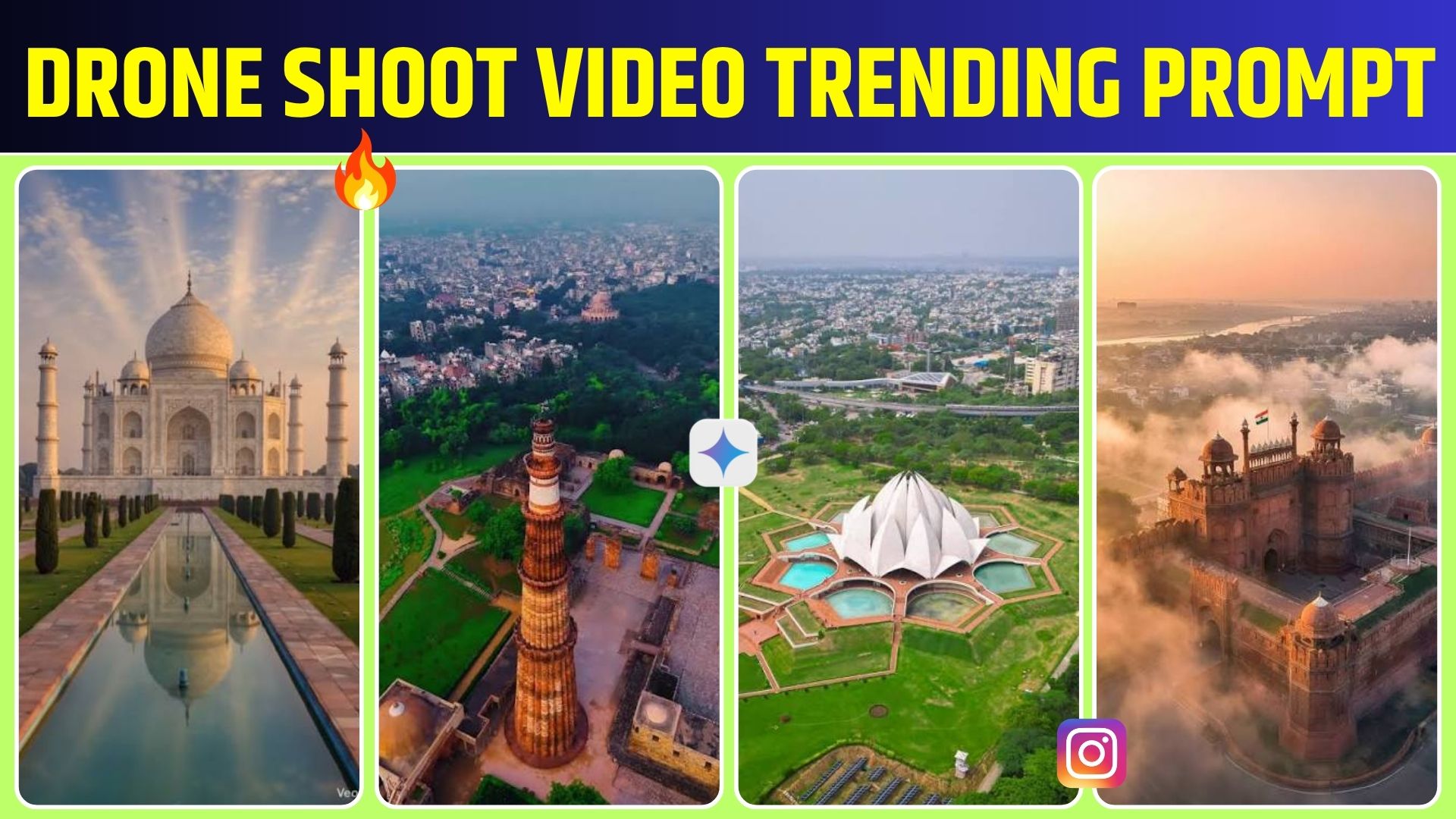
With the help of Artificial Intelligence, creators can now generate realistic drone-style videos using only text prompts or existing images. These AI tools simulate smooth aerial camera movements, dramatic flyovers, and cinematic landscapes without requiring any drone equipment.
What is a Drone Shot AI Video Generator?
A Drone Shot AI Video Generator is an AI-powered tool that creates videos that look as if they were filmed by a professional drone. Users simply describe the desired scene using a text prompt or upload an image, and the AI generates a video with realistic aerial camera motion.
For example, you can type:
“A cinematic drone shot flying over a tropical beach during sunset with crystal-clear water and palm trees.”
Within a short time, the AI generates a video that mimics the movement and perspective of a real drone camera.
How Does It Work?
Modern AI video generators use advanced machine learning models to understand text descriptions and convert them into animated scenes. These models simulate natural camera paths, lighting, depth, shadows, and environmental motion to create realistic aerial footage.
Many platforms also allow users to upload a photograph and transform it into a moving drone-style video with zoom, orbit, fly-through, or bird’s-eye camera effects.
Key Features of Drone Shot AI Video Generators
1. Text-to-Video Creation
Users only need to write a descriptive prompt, and the AI automatically creates an aerial cinematic video based on that idea.
2. Image-to-Video Animation
Static images can be transformed into dynamic videos with realistic drone movements, making old photographs appear alive.
3. Cinematic Camera Motion
Most AI tools offer professional camera movements such as:
Drone flyover
Bird’s-eye view
Orbit shots
Forward fly-through
Cinematic zoom
Smooth aerial tracking
These movements create the appearance of footage captured by an expensive drone.
4. High-Quality Visual Effects
Modern AI generators produce realistic lighting, reflections, clouds, water movement, and atmospheric effects that enhance the overall cinematic experience.
5. Fast Video Generation
Traditional drone shoots may require travel, weather planning, permits, and editing. AI dramatically reduces production time by generating videos within minutes.
Popular Uses
Drone Shot AI Video Generators are widely used for:
YouTube videos
Travel content
Real estate marketing
Hotel promotions
Tourism advertisements
Wedding cinematography concepts
Social media reels
Business presentations
Educational videos
Product commercials
Content creators use these tools to make their videos more engaging without investing in costly drone equipment.
Advantages of AI Drone Video Creation
There are several benefits to using AI-generated drone videos:
No drone purchase required
No flying experience needed
Safe and risk-free production
Lower production costs
Faster workflow
Unlimited creative possibilities
Easy for beginners
Professional-looking results
These advantages make AI video generation attractive for creators of all skill levels.
Tips for Better AI Drone Videos
To achieve impressive results, follow these best practices:
Write detailed prompts with location, weather, and lighting.
Mention the camera movement clearly.
Specify the desired video style, such as realistic or cinematic.
Include details like mountains, forests, cities, oceans, or landmarks.
Experiment with different prompt variations to discover unique perspectives.
A well-written prompt usually produces higher-quality AI videos.
Future of Drone Shot AI Video Generation
Artificial Intelligence is improving rapidly, and future AI video tools are expected to generate even more realistic aerial footage with longer video durations, smoother camera movement, higher resolutions, and greater creative control.
These technologies may become valuable resources for filmmakers, advertisers, educators, travel creators, and businesses seeking affordable cinematic visuals.
Conclusion
Drone Shot AI Video Generators are making cinematic aerial filmmaking accessible to everyone. Instead of investing in expensive drones and complex production equipment, creators can now generate realistic drone-style videos using simple text prompts or images. Whether you create YouTube videos, social media content, marketing campaigns, or promotional films, AI-powered drone video generation offers a fast, creative, and cost-effective solution.
As AI technology continues to evolve, drone-style video generation will become even more powerful, helping creators produce stunning cinematic content with minimal effort and maximum creativity.
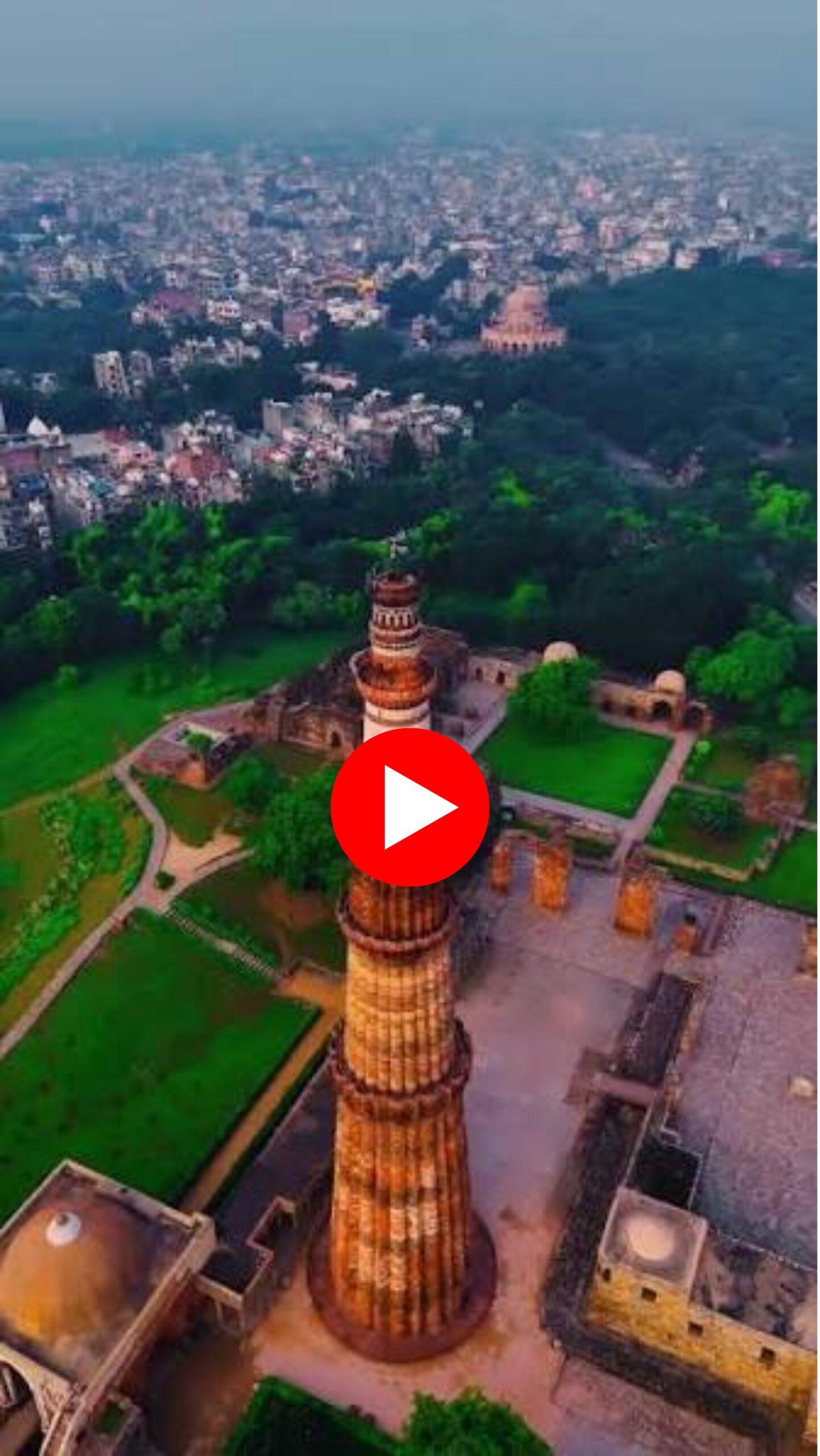
Remove the red guide line completely before generating the final video. Create a highly realistic FPV drone shot that naturally follows the exact path previously indicated by the red line, as if flown by an experienced drone pilot. The video must be entirely in first-person view (FPV)—do not show the drone, its propellers, landing gear, shadow, or reflection at any point. Maintain smooth, cinematic motion with realistic FPV dynamics, including natural acceleration, banking into turns, subtle camera tilt, minor vibration, and realistic stabilization. Preserve the environment and scene details while ensuring the flight path feels authentic and immersive. Add high-quality, synchronized FPV drone audio with realistic propeller and motor sounds that naturally vary with speed, altitude, acceleration, braking, and turns. Ensure the motion, lighting, and perspective remain physically accurate throughout. The final output should look indistinguishable from genuine footage captured by a professional FPV drone, with no visible guides, overlays, red lines, editing artifacts, or artificial-looking camera movements. ”

Viral Pur
ViralPur.Com पर आपका स्वागत है! हम एक ऐसी विश्वसनीय और बहुआयामी वेबसाइट हैं, जहां आपको हर प्रकार की जानकारी एक ही स्थान पर मिलती है। हमारा उद्देश्य है कि आप तक सटीक, उपयोगी और रोचक जानकारी आसानी से पहुंचाई जाए। हमारा मिशन है कि हम अपने पाठकों को जानकारी पूर्ण, रोचक और सटीक सामग्री प्रदान करें। ViralPur.Com पर आपको न सिर्फ ताज़ा खबरें मिलेंगी, बल्कि हर वह जानकारी मिलेगी, जो आपके जीवन को आसान और बेहतर बनाए। हर खबर पहले पाने के लिए सब्सक्राइब करें और बेल आइकॉन को दबायें !धन्यवाद |