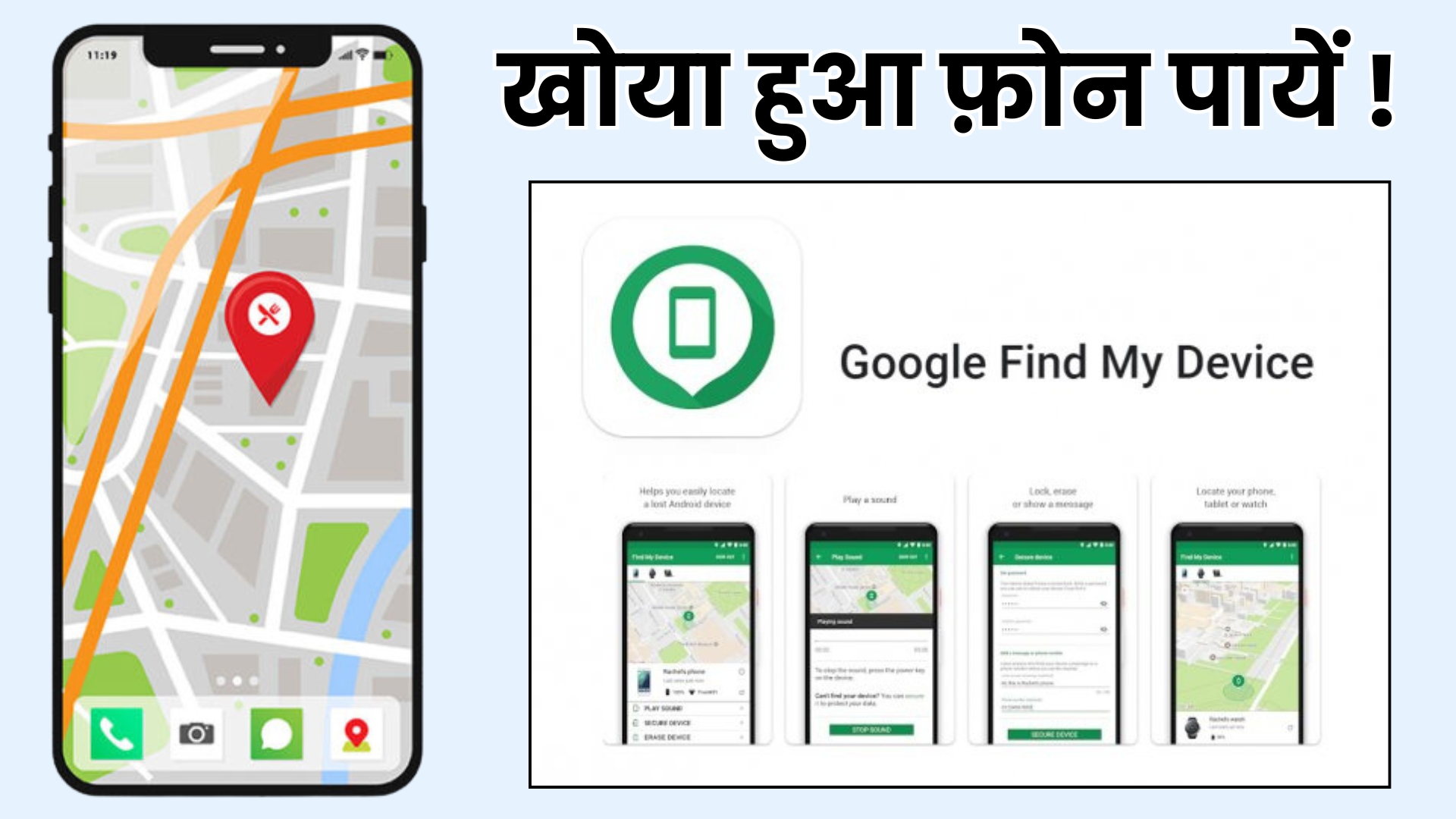
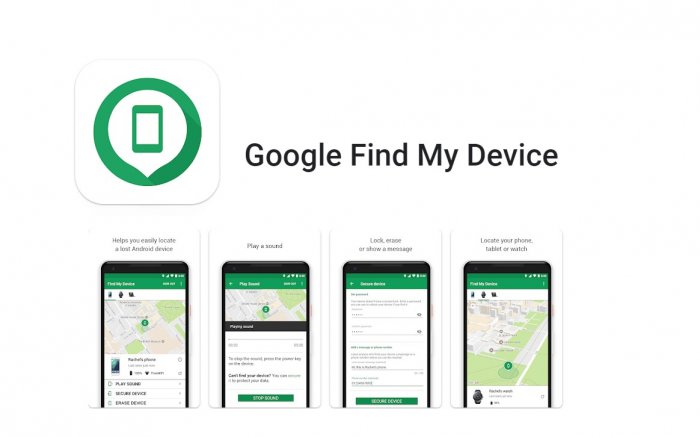
Losing a smartphone is one of the most stressful experiences today. Our phones are packed with personal photos, messages, banking apps, and important documents. In such moments, Google’s Find My Device becomes a lifesaver. The feature has been around for years, but in 2025, it has received major upgrades that make tracking and securing a lost device easier than ever.
This article explains what Find My Device is, how it works, what’s new, and why every Android user should keep it enabled.
What Is Find My Device?
Find My Device is a free security tool offered by Google that helps Android users locate, lock, or erase their phones remotely. Whether your phone is misplaced at home, left in a cab, or stolen, this tool gives you control even when the device isn’t physically in your hands.
In simple terms, it acts like a digital safety shield that stays active in the background, ready to help whenever something goes wrong.
How Find My Device Works
Earlier versions relied mainly on GPS and mobile data, but the new system uses a much stronger network. Google now uses millions of Android devices worldwide to detect lost phones through Bluetooth signals—similar to how Apple’s Find My network works.
Here’s how it functions:
If your phone is lost, nearby Android devices can detect its signal.
These devices anonymously send location data to Google.
You can then view your phone’s latest location through the website or app.
The result? Better accuracy and the ability to find a device even when it’s offline.
Top Features of Find My Device (2025 Update)
1. Offline Device Tracking
This is one of the biggest improvements. Even if your phone has no internet connection, the network of nearby Android devices can help locate it.
2. Ring Your Phone
If your phone is lost somewhere at home or the office, you can ring it at full volume—even if it’s on silent.
3. Remote Lock
You can lock your phone instantly and display a message on the screen, such as a contact number for the person who finds it.
4. Data Erase Option
If the device seems impossible to recover, wiping all data remotely ensures no one can misuses your information.
5. Track Accessories
Google has expanded support for tracking earbuds, smartwatches, and smart tags. This means you can locate not just your phone but also small accessories.
How to Set Up Find My Device on Your Android Phone
Setting it up takes less than a minute:
Open Settings
Go to Security or Safety & Emergency
Tap Find My Device
Turn it ON
Make sure Location is enabled
Under Google settings, enable the Find My Device Network
Once enabled, your phone becomes part of a secure global network.
How to Track a Lost Android Phone
If your device goes missing:
Visit 👉 google.com/android/find or open the Find My Device app on another phone.
Sign in with the Google account linked to your lost device.
Select your device from the list.
You will be able to:
See the phone’s location
Ring it
Lock it
Erase data if needed
This works across all Android phones as long as Find My Device was enabled earlier.
Why Find My Device Is Important
Most people realize the importance of this tool only after losing their phone. Keeping it active gives you:
Peace of mind
Better chances of recovery
Protection against misuse
Control over your personal data
In a time when our entire digital life is stored in a small device, a feature like this is not optional—it’s essential.
What’s New in 2025?
Google’s new Find My Device network makes tracking more reliable than ever. Some upcoming improvements users might see include:
More precise tracking using ultra-wideband technology
Improved alerts for suspicious movements
Smarter anti-theft protection
The feature is becoming smarter with every update, making Android devices much safer.
Final Words
Find My Device is one of those tools you hope you never need—but you’ll be extremely grateful for it if your phone goes missing. With powerful features like offline tracking, remote lock, and data protection, it offers complete control during emergencies.
If you haven’t enabled it yet, do it now. A few simple settings can save you from major stress later.
ViralPur.Com पर आपका स्वागत है! हम एक ऐसी विश्वसनीय और बहुआयामी वेबसाइट हैं, जहां आपको हर प्रकार की जानकारी एक ही स्थान पर मिलती है। हमारा उद्देश्य है कि आप तक सटीक, उपयोगी और रोचक जानकारी आसानी से पहुंचाई जाए। हमारा मिशन है कि हम अपने पाठकों को जानकारी पूर्ण, रोचक और सटीक सामग्री प्रदान करें। ViralPur.Com पर आपको न सिर्फ ताज़ा खबरें मिलेंगी, बल्कि हर वह जानकारी मिलेगी, जो आपके जीवन को आसान और बेहतर बनाए। हर खबर पहले पाने के लिए सब्सक्राइब करें और बेल आइकॉन को दबायें !धन्यवाद |